
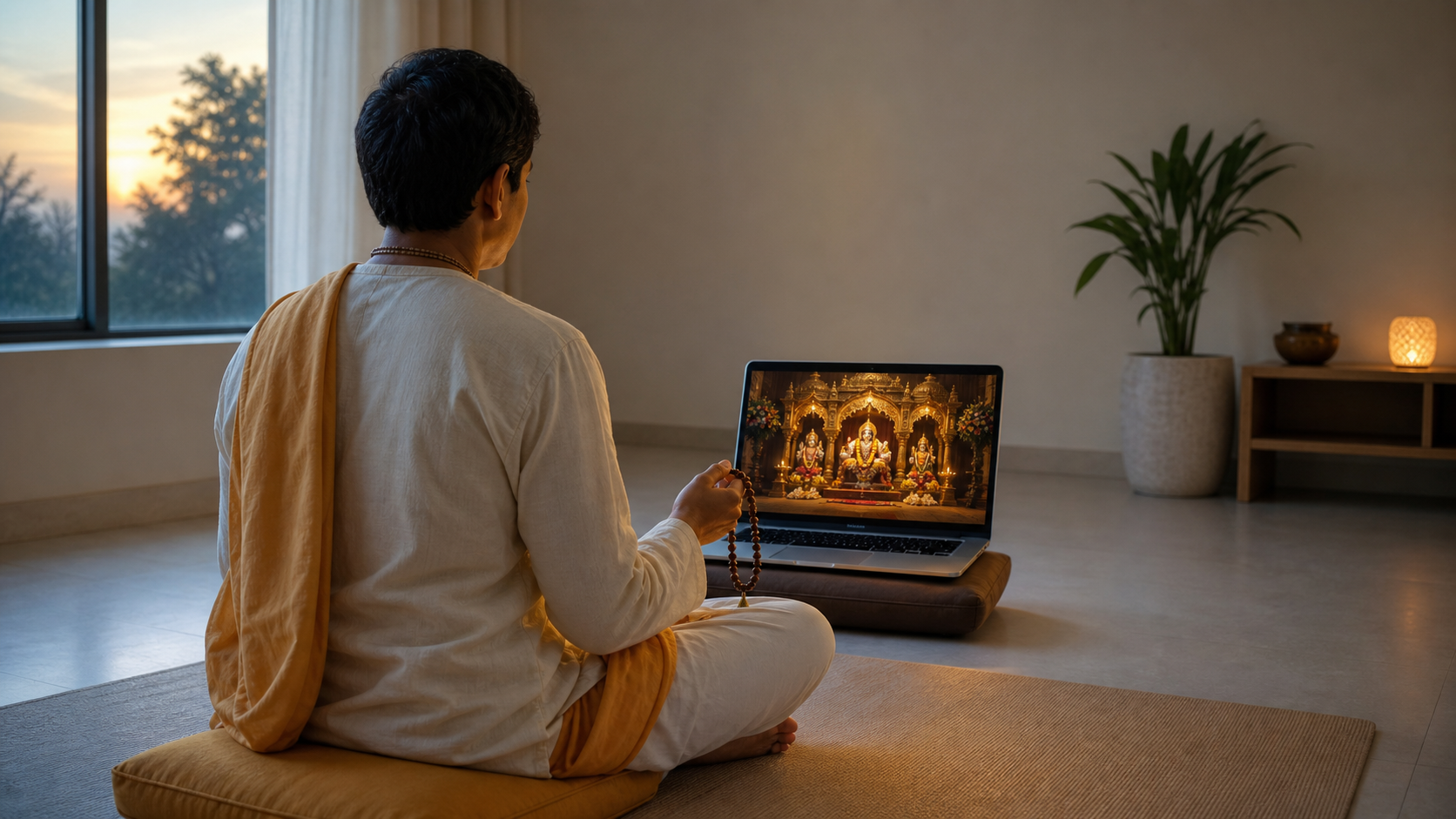
If you came looking for the ISKCON of DC livestream, the direct route is the ISKCON of DC video page. Open it on the device you intend to use, then check the player before arranging your time around it.
The important question is not merely whether you have found the right link. You also need to know whether the player is showing a live broadcast, an upcoming broadcast, or a recording. That distinction determines what you should do next.
Confirm the stream before you make plans
Search results and shared messages can remain in circulation after a broadcast changes state. Treat the current video player as decisive. Do not assume a start time from an old message, and do not convert somebody else’s stated time unless the player confirms it for your device.
- Check that the page identifies the broadcast as ISKCON of DC before casting it to a television or sharing it with others.
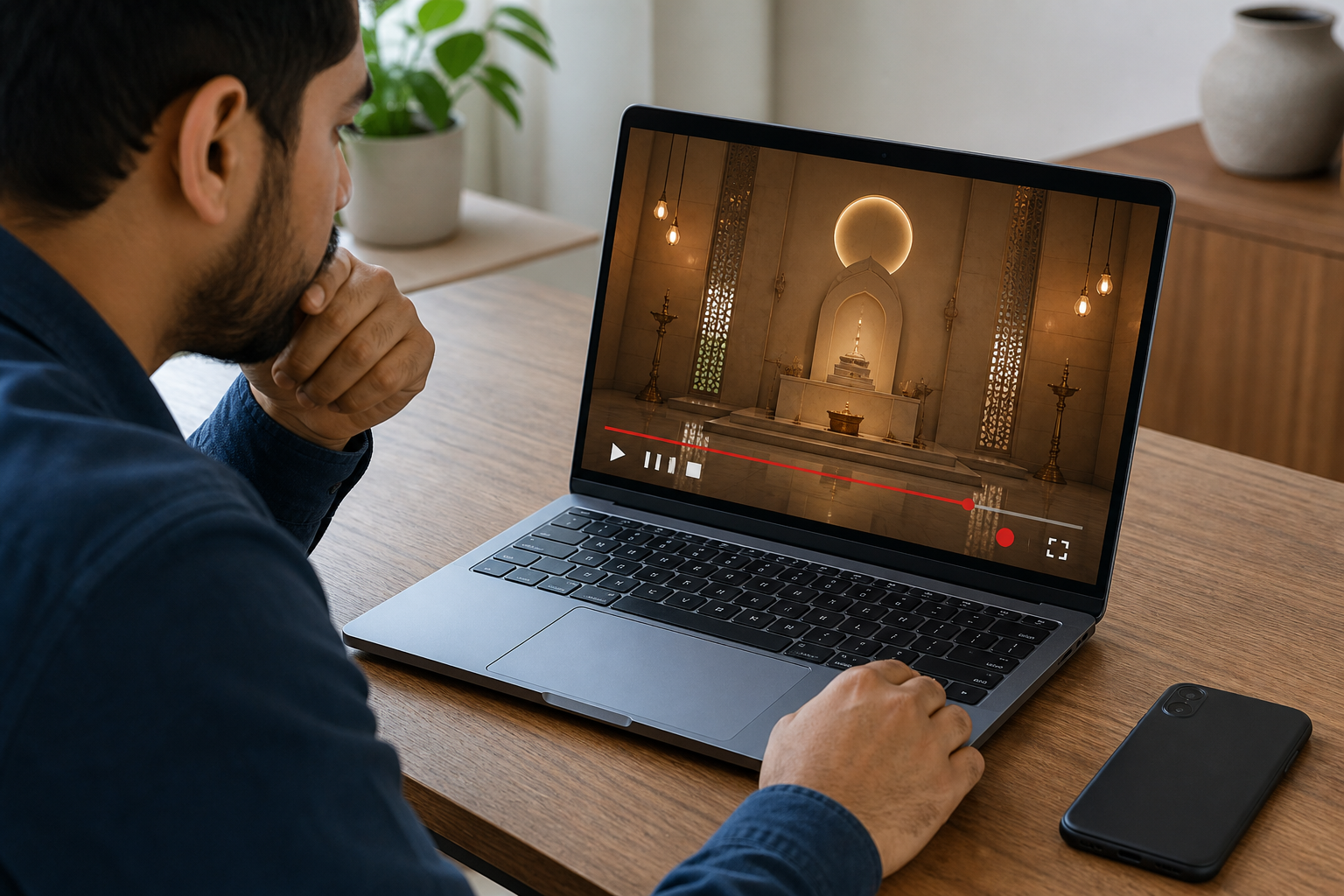
- Look for a live-status label, an upcoming-broadcast notice, a countdown, or ordinary replay controls.
- If a start time is displayed, verify that your device has the correct clock and time zone.
- If the direct video does not open properly in your app, use the separate ISKCON of DC livestream page as another route.
- When inviting family or friends, share the direct link and ask them to check the displayed status themselves. Avoid circulating an unconfirmed time as though it were the temple’s announced schedule.
If neither link displays a dependable future time, the honest answer is that the next broadcast time is not established by the information available here. Bookmark the link rather than guessing. A wrong time is more frustrating than no time, especially when viewers are joining from different regions.
Respond to what the player actually shows
Live, upcoming, and recorded video can all support devotional attention, but they call for different choices. Use the player state to decide how to proceed.
| What you see | What to do | What to avoid |
|---|---|---|
| A live indicator | Join where the broadcast is now and settle your attention before trying to reconstruct what you missed. | Do not spend the opening minutes repeatedly scrubbing backward unless the missing context is essential. |
| An upcoming notice or countdown | Use the time displayed on your own device, set a reminder, and return shortly before the broadcast. | Do not copy a converted time from an unrelated search result. |
| Replay controls and a completed timeline | Choose a quiet viewing window and watch the recording deliberately. | Do not treat a recording as background noise merely because the live moment has passed. |
| An unavailable or non-loading player | Try the alternate livestream page, then reopen the link in a browser if an embedded app is failing. | Do not assume that a technical failure proves the broadcast has been cancelled. |
A replay is not the same social experience as joining in real time, but it can still receive your full attention. The practical difference is that you control the pace. Pause for an interruption instead of letting sacred sound compete with household conversation, and resume when you can listen properly.
Make the viewing window part of your practice
A livestream becomes forgettable when it is opened in one tab among many. Before pressing play, decide what you are seeking: connection with the temple community, attentive listening, participation in chanting if it occurs, or quiet darshan if it is shown. This is an intention for your attention, not a prediction about what the broadcast will contain.
- Remove the obvious competition. Silence nonessential notifications and close work or social-media tabs. If other people need the room, use headphones rather than increasing the volume.
- Choose a realistic boundary. If you cannot remain for the whole broadcast, decide beforehand when you need to leave. Leaving at a planned point is better than watching the clock throughout.
- Let the actual program lead. If congregational chanting is being broadcast, you may chant along where appropriate. If someone is speaking, listen before forming a response. If a ritual is shown, observe respectfully rather than improvising formal vows or procedures from a screen.
- Keep one useful trace. Afterward, write one teaching, question, name, or practice you want to remember. A single considered note is more useful than a collection of screenshots you never revisit.
You do not need to reproduce every feature of a temple room at home. Sit or stand in a way that is physically suitable, keep the space reasonably orderly, and give the broadcast undivided attention for the period you chose. The screen is a means of access; posture and technology are not measures of devotion.
Participate respectfully when others are present
A temple livestream can connect a dispersed community, but your household and any public chat remain real social spaces. Devotional attention should make those spaces more considerate, not more tense.
- If a live chat is available, treat it as a public temple noticeboard. Keep comments relevant, avoid arguments and promotional links, and do not publish private contact or personal information.
- Do not assume that a chat message will be noticed by temple volunteers. A time-sensitive pastoral, accessibility, or event question needs a confirmed temple contact channel rather than repeated comments under the video.
- Tell other people in the room what you are about to watch and whether you need quiet. A brief agreement prevents resentment better than correcting them after the broadcast begins.
- If children are joining, explain in plain language what is happening on screen without demanding uninterrupted stillness. Give them a manageable way to participate and allow them to step away.
- If you are interrupted during a live broadcast, deal with the person in front of you and then rejoin. Do not let anxiety about missed minutes defeat the purpose of attending.
Technical trouble can also disturb the mood. Check sound, charging, and internet access before you settle in. Once the stream begins, accept modest picture quality if the audio remains usable; repeated adjustment can consume more attention than it saves.
Key takeaways
- Use the direct ISKCON of DC video link and let the current player status determine whether the broadcast is live, upcoming, or recorded.
- Do not publish or rely on a start time that the current player does not confirm.
- If the direct video fails, try the alternate livestream page before concluding that the broadcast is unavailable.
- Prepare your device and your attention before pressing play; a livestream should not become background media by default.
- Keep any public chat respectful and use a confirmed temple contact route for questions that require a response.
Open the stream now and check its present status. If it is live, settle in and join. If it is upcoming, make a reminder from the time shown on your device. If it is a replay, choose a quiet interval and give it the same deliberate attention you hoped to bring to the live moment.
References
